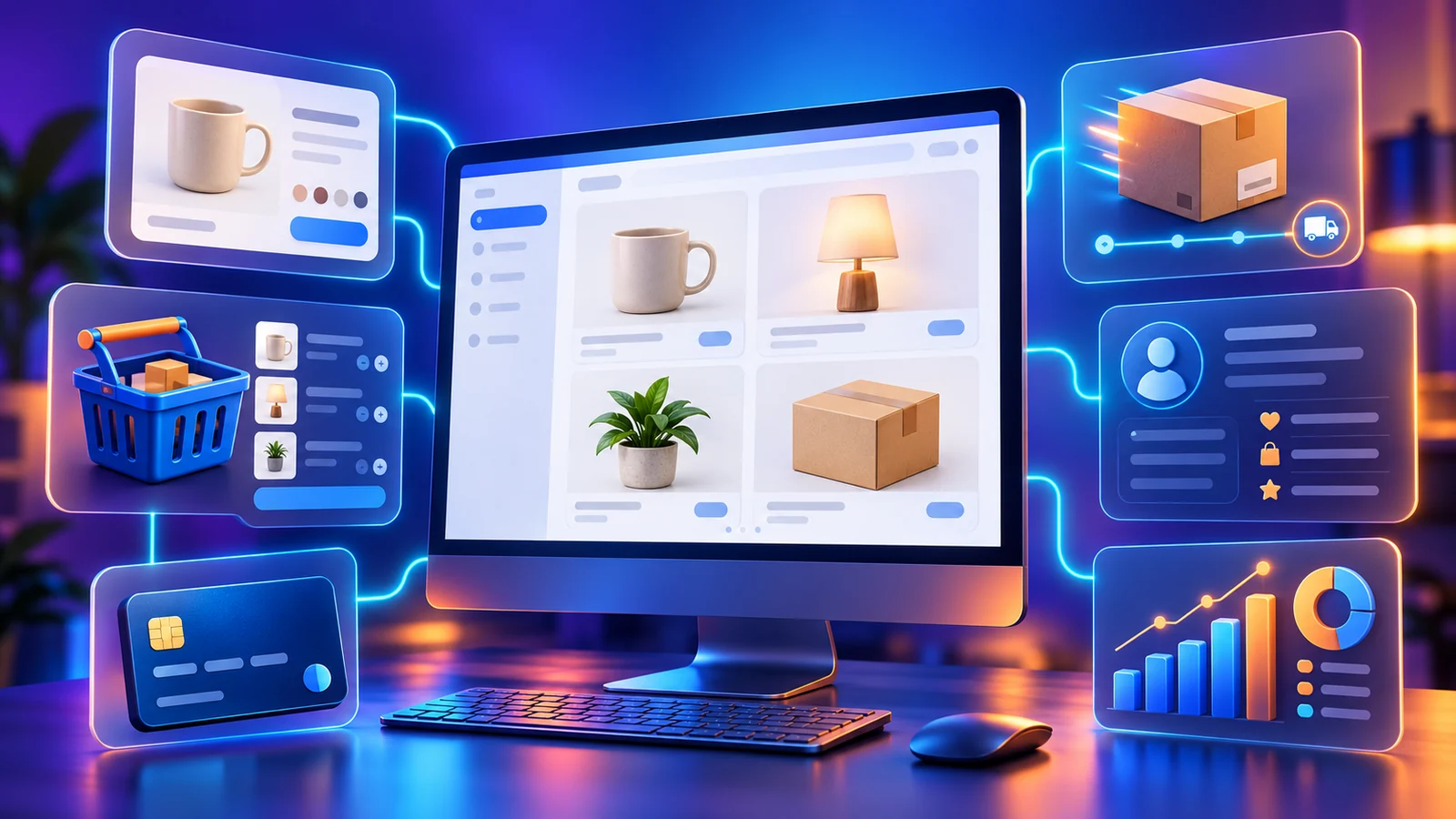
1. How to create an online store from scratch and where to start
Creating an online store often begins with choosing a design or platform. An entrepreneur looks at example websites, compares content management systems and tries to understand how much it will cost to launch. But before technical solutions, it is important to answer a simpler question: what exactly should the store sell, to whom and in what way.
An online store is more than just product pages and a buy button. It is part of the trading process, which involves the catalog, prices, balances, orders, payment, delivery, returns, customer support and data accounting.
Even a small project should provide a clear path for the buyer from choosing a product to receiving order confirmation.
Therefore, launching an online store begins with analyzing the business model.
It is necessary to determine the assortment, target audience, sales geography and order processing features. For example, a clothing store with sizing options is different from a hardware store, where the customer needs to review the specifications and request advice.
For some projects, the possibility of instant purchase is important. For others, a preliminary cost calculation, coordination of equipment, or filling out an application without online payment.
At this stage it is useful to define a minimum set of functions.
Typically, a buyer needs a clear catalog, product cards, search or category navigation, payment and delivery information, a shopping cart, and checkout. But the exact composition depends on the business.
For example, a store with ten products might use a relatively simple structure. If the assortment includes thousands of items, variants, complex specifications and multiple warehouses, the catalog and data exchange requirements will be significantly higher.
The preparation of product information deserves special attention.
For each product you may need a name, images, price, characteristics, description, article number, options and availability information.
If the catalog has not yet been prepared, work on content can be one of the longest stages of the project.
The next question is how orders will be processed.
You need to decide who receives notifications, where the information is recorded, how the order status is updated, and how the customer finds out about the delivery.
If the company already uses a CRM or accounting system, it is worth finding out in advance whether integration is required.
It is also useful to study the behavior of the target audience.
For a buyer of an inexpensive standard product, it is usually important to quickly find the desired item and place an order. Complex products may require comparative information, advice or a customized quote.
The structure of the store follows from this, and not vice versa.
Marketing must also be taken into account when planning. If the main flow of visitors is expected to come from search engines, it is important to think through categories, filters, information pages and URL structure in advance.
If sales will be supported by advertising, you may need separate landing pages and correctly configured analytics.
It is not necessary to implement all possible functions at once. For the first launch, you can choose the minimum version of the store, which allows you to fulfill real orders and does not interfere with further development.
However, the minimum version should not mean a lack of basic security, incorrect payment, or an inconvenient purchase process.
It is useful to write down the initial requirements in the form of a short brief: assortment, buyers, types of goods, payment methods, delivery, necessary integrations and development plans.
After this, you can proceed to choosing a platform.
The main principle: an online store should be designed around the sales process, and not adapt the business to a randomly selected website template.
Successfully launching an online store begins not with choosing an engine, but with understanding the product, the buyer and the complete order path - from catalog to payment and delivery.
2. Which platform to choose for an online store
The online store platform determines how the catalog, administrative panel, ordering, integrations and further development of the project will be organized.
There is no one system that is equally suitable for every business. When choosing, you need to consider assortment, functionality, budget, sales market and available support resources.
One common option is WordPress with WooCommerce.
WordPress handles site and content management, while WooCommerce adds e-commerce capabilities: products, cart, checkout, and associated store settings.
This approach is suitable for projects that need a flexible site structure, separate information pages, a blog, and the ability to expand functionality.
For a WooCommerce store, you can use a ready-made theme or develop a custom interface.
However, installing the plugin does not mean that the store is completely ready for trading. You will need to configure the catalog, payment, delivery, notifications, security, updates and other elements.
The WooCommerce software itself is distributed as an open source solution, but running a store is not free: costs may include development, hosting, paid extensions, maintenance and integrations.
Another class of solutions are cloud designers and SaaS platforms.
They provide a ready-made environment in which you can manage products, ordering and design without independently administering the entire server infrastructure.
For example, Shopify belongs to this class of systems.
The advantage of the SaaS approach is the availability of ready-made commercial functions and infrastructure.
In this case, it is necessary to take into account the cost of subscription, tariff restrictions, terms of use, availability of payment services in a particular country and the possibility of data transfer.
You can’t choose a platform based on brand recognition alone. For some markets, local payment providers, delivery, and support for required payment methods are important.
A separate group is specialized e-commerce CMS.
They are focused directly on managing the product catalog, orders and commercial processes.
Such systems can be convenient for certain product range requirements, but the choice depends on the quality of support, available extensions and project features.
There are also individual solutions based on web frameworks.
They are justified when a conventional platform does not cover key tasks: complex pricing, non-standard trading model, special integrations, a large number of user roles or specific ordering processes.
But custom development means higher requirements for design, testing, support and documentation.
You should not create your own trading platform just because this option seems more professional.
Often, a mature system with proven extensions is sufficient for a typical online store.
When choosing a platform, it is useful to compare several parameters.
The first is support for the necessary product types: simple products, variants, bundles and digital products.
The second is working with the catalogue: import, bulk editing, characteristics, filtering and search.
The third is integration: payment services, delivery, CRM and accounting systems.
The fourth is content management and SEO: page editing, metadata, URL structure and the ability to create useful materials.
Fifth - cost of ownership: not only launch, but also maintenance, tariffs, commissions and updates.
Sixth - development opportunities: adding new sections, languages, currencies, warehouses or custom functions.
The seventh is security, backup and access control.
It’s also worth finding out in advance who owns the store data and how easy it is to export it.
The final choice depends on the business.
For an online store that combines sales with active corporate content, WordPress and WooCommerce may be the right solution.
For typical trading with minimal developer involvement, you can consider a cloud platform, provided the necessary functions and payments are available.
Non-standard commercial logic may require a specialized system or custom development.
It is important to make a decision after the requirements statement, not before it.

3. What should be in an online store before launching
Before development, you need to determine the functionality without which the store will not be able to perform its main tasks.
The first required element is a product catalog.
Categories must correspond to the logic of search and selection of products. If the user does not understand where the desired product is located, even a large assortment will not be an advantage.
Catalogs with numerous items may require feature filters, sorting, and internal searches.
But filters must take into account the real properties of goods. There is no need to add dozens of parameters that do not help the buyer.
The second element is the product card.
It should help you make a purchasing decision. This typically requires a clear title, quality images, price, description, features, and availability information.
If a product has sizes, colors or other options, the buyer needs to understand which option they are choosing.
Depending on the product category, instructions, compatibility, materials, warranty conditions and other information may be important.
The third element is the basket.
The buyer must see the selected products, quantity, cost and the opportunity to correct the order before it is sent.
You should not hide additional mandatory expenses until the last step of registration, if they can be determined earlier.
The fourth element is placing an order.
The more optional fields and unclear actions, the more difficult it is for the buyer to complete the purchase.
However, simplification of the form should not come at the expense of data necessary to fulfill the order or comply with applicable requirements.
The fifth element is payment.
It is necessary to determine the available methods, payment provider, currency, fees and procedure for confirming the transaction.
When integrating, it is important to correctly process successful and unsuccessful payments, repeated notifications, and status changes.
The sixth element is delivery.
The store must clearly explain the available methods of obtaining goods, costs and conditions.
If integration with a logistics service is used, it is necessary to check its actual compatibility with the platform.
The seventh element is notifications.
It is useful for the buyer to receive an order confirmation and information about next steps.
Notifications must contain correct information and not disclose information to unauthorized users.
The eighth element is the administrative panel.
Employees need to update products, prices, images, availability, and order statuses.
If every change requires contacting a programmer, operating the store can become inconvenient.
The ninth element is safety.
The online store works with personal data, delivery addresses and other sensitive information.
You need a secure connection, up-to-date software, access control, backups and correct payment integration.
The tenth element is analytics.
Before launching, it is worth determining what events need to be measured: viewing of products, adding to cart, beginning of checkout and confirmed purchase.
However, it is important to comply with applicable rules regarding the processing of user data and consent settings when required.
Not all stores need the same functionality.
For example, a small store with a limited selection may not use sophisticated filters. A project with thousands of products without normal search and catalog management will be inconvenient.
Therefore, functionality should be divided into mandatory for launch and additional features that can be implemented later.
This helps you estimate the cost and avoid developing features that no one will use.
Checklist for preparing an online store for launch
- Business model - determine the range, audience and trading conditions.
- Platform - choose CMS, SaaS or custom development according to your requirements.
- Catalog - prepare categories, characteristics and product data.
- Product cards - fill in images, descriptions, prices and options.
- Cart - check the change in quantity and total cost.
- Checkout - check fields, errors and purchase confirmation.
- Payment - connect an available payment method and check the statuses.
- Delivery - agree on delivery methods, zones and cost calculations.
- Legal information - prepare the necessary terms of sale and data processing.
- Analytics - set up key events and correct order accounting.
- SEO - check URLs, titles, metadata and page accessibility.
- Security - configure HTTPS, backups and access rights.
- Testing - go through the entire buyer journey until the order is confirmed.
- Maintenance - identify those responsible for updates and operation of the store.
4. Stages of creating an online store: from project to first orders
It is convenient to divide the creation of an online store into stages. This helps to align expectations, estimate the amount of work, and avoid a situation where important features are remembered before publication.
The first stage is task analysis.
The team determines the assortment, audience, sales regions, types of goods, requirements for payment, delivery and order management.
If a business already has a website or accounting system, it is necessary to study the existing architecture and integration possibilities.
The second stage is designing the structure.
You need to define the main categories, product cards, information pages, shopping cart, checkout and navigation.
For large catalogs, it is especially important to think through the characteristics, filters and page addresses in advance.
At this point, you can create a partition map and custom scenarios.
The third stage is interface design.
The design should support shopping tasks: help find products, compare options and place an order.
It is useful to test prototypes using typical scenarios: searching for a product, selecting an option, adding to cart, proceeding to checkout.
Adaptability needs to be considered from the start as customers may use smartphones and tablets.
The fourth stage is the development and configuration of the platform.
The selected system is installed, templates are created, the catalog and administrative panel are configured.
For a WordPress store, this may include WooCommerce, product card design, cart, checkout and necessary extensions.
It is important not to install plugins without assessing compatibility and necessity.
The fifth stage is filling the catalogue.
Categories, photographs, descriptions, prices, options and characteristics are prepared.
If you have a large number of products, you may need to import from files or external systems.
Particular attention should be paid to the quality of the source data. Automatic import does not correct incorrect names, duplicates and incomplete characteristics.
The sixth stage is integration.
Agreed payment methods, delivery, CRM, notifications and other services are connected.
Each integration must be tested against real-world scenarios, including errors and replays.
The seventh stage is technical and search preparation.
Headings, metadata, canonical, XML Sitemap, page accessibility for search robots and rules for indexing technical sections are checked.
It is important not to open the shopping cart, checkout and other service pages for search indexing unless there is a justified need.
It’s also worth checking the loading speed, image optimization and mobile version performance.
The eighth stage is testing.
Before publishing, you need to go through the complete buyer journey: select a product, change the quantity, place an order, check the payment script and see the correct confirmation.
For this, it is better to use the test mode of the payment provider, if provided.
You should also check the other side of the process: whether the store received the order, whether its status has changed, whether the necessary notifications have been received.
Separately, you need to test errors: unsuccessful payment, unavailable delivery, missing product and incorrectly filled out form.
The ninth stage is launch.
After successful testing, the store is published on the main domain.
It is necessary to check HTTPS, redirects, indexing settings, file availability and the operation of all critical functions already in production.
The tenth stage is support and development.
After launch, it is important to track order errors, update software, expand the catalog, maintain security, and evaluate customer behavior.
The online store does not become complete forever after publication.
New products, delivery methods, platform requirements and business processes may emerge.
Therefore, it is advisable to plan the architecture so that typical changes do not require a complete rework of the project.
At the same time, the launch does not have to immediately include the maximum set of functions.
You can start with a consistent first version that handles actual sales correctly, and then evolve the store based on actual needs.
5. How much does it cost to create an online store from scratch
The cost of creating an online store depends on the business model, platform, design, catalog volume and required integrations.
The same wording “turnkey online store” can mean a completely different scope of work.
For example, a small store on a ready-made platform with a limited number of products differs from a project with an individual interface, several warehouses and integration with accounting systems.
Therefore, it is more correct to consider the budget by individual components.
The first category is analysis and design.
At this stage, the structure, user scenarios and technical requirements are determined.
For a simple project, the amount of preparation may be relatively small. A complex directory with non-standard logic will require a more detailed specification.
The second category is design.
You can use a ready-made theme and adapt it to your corporate style or order a custom interface.
An off-the-shelf solution potentially reduces upfront costs, but may have limitations in functionality and appearance.
Individual design allows you to more accurately develop scenarios, but requires additional resources.
The third category is development.
The cost depends on the chosen platform, the required customization, the number of templates and the complexity of the business logic.
A regular WooCommerce store and a complex trading system with a custom server part can differ significantly in labor intensity.
The fourth category is the catalogue.
If the company has already prepared photographs, characteristics and descriptions of products in a structured format, the content will be easier to organize.
If images need to be created, characteristics must be collected manually, and the assortment includes a large number of options, the cost of data preparation increases.
The fifth category is integration.
Payment systems, delivery services, CRM, accounting programs and other external services are assessed separately.
It is important to consider not only the initial connection, but also the possible costs of using them.
The sixth category is domain, hosting and infrastructure.
The store requires a hosting environment with suitable resources, secure connections, backup and maintenance.
Infrastructure costs may change as traffic, directory, and load grow.
The seventh category is software licenses and subscriptions.
Depending on the platform, paid themes, extensions, SaaS plans, and third-party services may be required.
It is necessary to distinguish between a one-time purchase, a regular subscription and payment by volume of use.
The eighth category is commissions for payments.
When accepting online payment, the terms and conditions of the selected payment provider apply.
Commissions depend on the market, payment method, contract and other parameters.
The ninth category is legal and organizational preparation.
Businesses may need documents on terms of sale, delivery and returns, processing of personal data and compliance with payment requirements.
Specific responsibilities vary by country, type of business, products sold, and applicable laws.
The tenth category is marketing.
Creating a store does not guarantee a flow of customers.
SEO, advertising, content creation, product listings, and other audience acquisition channels may be required.
The advertising budget must be considered separately from the development.
The eleventh category is post-launch support.
Updates, bug fixes, backups, monitoring and improvements require resources.
The cost of owning a store does not end on the day of publication.
For preliminary calculations, it is useful to divide expenses into three groups.
The first is one-time startup costs: design, design, development, content and configuration.
The second is regular expenses: infrastructure, services, licenses and support.
The third is variable expenses: commissions, delivery, marketing and other costs associated with operating activities.
When estimating the budget, it is important to take into account the reserve for changes in requirements. During the design process, features of product data, integrations, or ordering may become apparent.
But the reserve does not replace normal technical specifications and transparent assessment of work.
Is it possible to start an online store with a small budget?
Yes, if you choose a suitable platform, limit the first version to the necessary functions and have a prepared catalog.
However, savings should not affect security, payment stability and correct order processing.
Is it possible to do an individual project right away?
Yes, if the business has confirmed requirements that cannot be rationally implemented using standard means.
But the very desire to create a unique website does not mean the need for your own trading platform.
For Bravix, the cost of development is determined by the composition of the project.
Before estimating, it is useful to communicate the approximate quantity of goods, requirements for design, payment, delivery, integrations and further development.
Without this data, any fixed amount will be just a guess.
Therefore, this article should not publish fictitious Bravix rates or guarantee a specific startup budget.
The best way to understand the cost is to create a list of required features and get an estimate based on a real technical specification.
6. How to launch an online store and prepare it for sales
When the platform is selected, the catalog is filled, and ordering is set up, there is a desire to open the store for customers as soon as possible.
But before publishing, you need to make sure that the system is really ready for use.
The first thing to check is the full order path.
The buyer should be able to open a category, select a product, study the characteristics, add an item to the cart, provide the necessary information and complete the checkout.
If online payment is enabled, it is important to check the payment confirmation and the correct change in order status.
It is not enough to make sure that the payment form opens visually. You need to check the processing of the provider's response and error scenarios.
The second important element is delivery.
The buyer must understand the available methods of obtaining the goods, conditions and costs.
If shipping is calculated automatically, you need to check different addresses, zones and order parameters.
The third check is the mobile version.
Product cards, images, filters, cart and checkout form should work fine on narrow screens.
Particular attention should be paid to the mobile keyboard, button sizes and field accessibility.
The fourth point is technical safety.
It is necessary to check HTTPS, backup, software up-to-date, access rights and absence of published test data.
For online stores, proper handling of personal data and integrations is important.
The fifth point is SEO.
Main categories and products should have clear URLs, meaningful titles, descriptions, and logical internal linking.
Don't automatically index all filter combinations and technical parameters without a well-thought-out strategy.
Google can use structured Product and Offer data on eligible product pages if it matches the actual content and search engine requirements.
But markup does not guarantee enhanced display in searches.
The sixth point is analytics.
It is useful to track key actions: product views, additions to cart, checkout initiation, and successful purchases.
It is important not to count one purchase multiple times due to repeated notifications or page reloads.
The seventh point is the relevance of product data.
Check prices, stock, images, options and specifications before launch.
Incorrect availability information may result in orders that cannot be fulfilled.
The eighth point is communication with the buyer.
You need to make sure that after checkout the customer receives a clear confirmation and that employees can process the order.
The ninth point is legal information.
Depending on the country, product range and trading model, it is necessary to prepare appropriate conditions for sales, returns, delivery and data processing.
Specific requirements should be verified against applicable law and business considerations.
The tenth point is a plan for further development.
After launch, it is worth analyzing not only the number of visits, but also how customers use the catalog, where difficulties arise and what functions are really in demand.
For example, if visitors often use search and do not find products, it is useful to check the navigation and quality of product data.
If placing an order causes errors, it is more important to eliminate them than to add new decorative elements.
You also need to plan for updates, backups, and monitoring of integrations.
An online store is not a static storefront, but a functioning sales system. Its quality depends on constant work with the catalogue, orders and user experience.
Bravix develops WordPress sites, including catalog and e-commerce projects, subject to agreement on the required functionality.
We can help determine the structure of the future store, select a technical approach and evaluate the composition of the development.
If you need to create an online store from scratch, start with a description of the products, number of items, payment methods, delivery and necessary integrations.
There is no need to choose a theme, plugins or server technologies in advance. These decisions are best made after analyzing the requirements.
The main thing is to create not just a beautiful catalog, but a convenient trading system that customers can easily use, and businesses can support and develop.
A well-designed launch starts with real-world challenges and continues with post-publication testing of the store.
It is this approach that helps to avoid unnecessary complexity, unforeseen costs and technical limitations at further stages of development.